
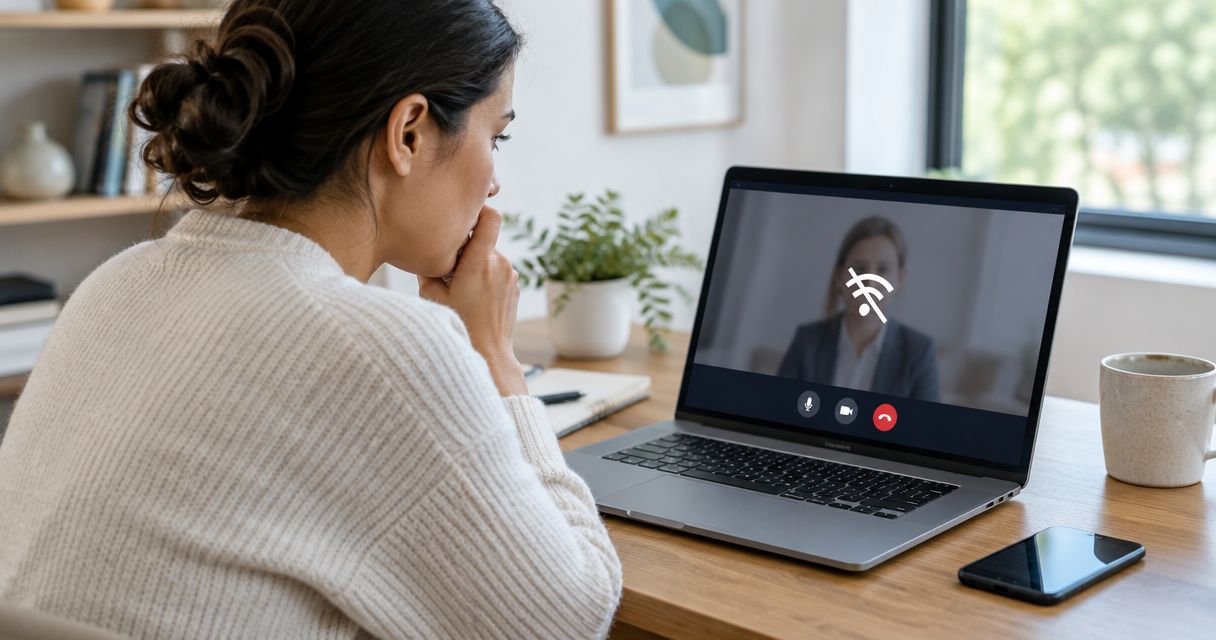
If your internet drops during remote notarization, stop signing and restore the live connection before following the notary’s instructions. For Maryland remote online notarization through Proof, the next step depends on what was completed before the interruption and whether the notary can continue under Maryland notarial requirements. A disconnected screen alone does not tell you whether the notarization is complete; confirm its status before submitting the document.
- If your internet drops during remote notarization, pause signing and ask the notary how to proceed.
- Proof connection recovery and completed notarization are separate issues; confirm both before submitting your document.
- Craigvetnotary offers Maryland remote online notarization for eligible documents, with mobile appointments as a secondary option.
- Do not assume your signature, identity verification, or completed document carried over after an interruption.
Why this matters
Restoring your internet is not the same as confirming a completed notarization. You need to know whether the required interaction finished, whether anything must be repeated, and which document to send to its recipient.
For a Maryland appointment in 2026, Craigvetnotary offers remote online notarization through Proof for eligible documents. Describe any connection concerns when requesting an appointment, especially if your business has a filing deadline or several signers to coordinate.
What happens if my internet drops during a remote notarization?
The notary must determine whether the interrupted appointment can continue and what remains unfinished. Do not keep signing through a frozen picture, missing audio, or a disconnected session. A working screen does not establish that the notary can still see and hear you.
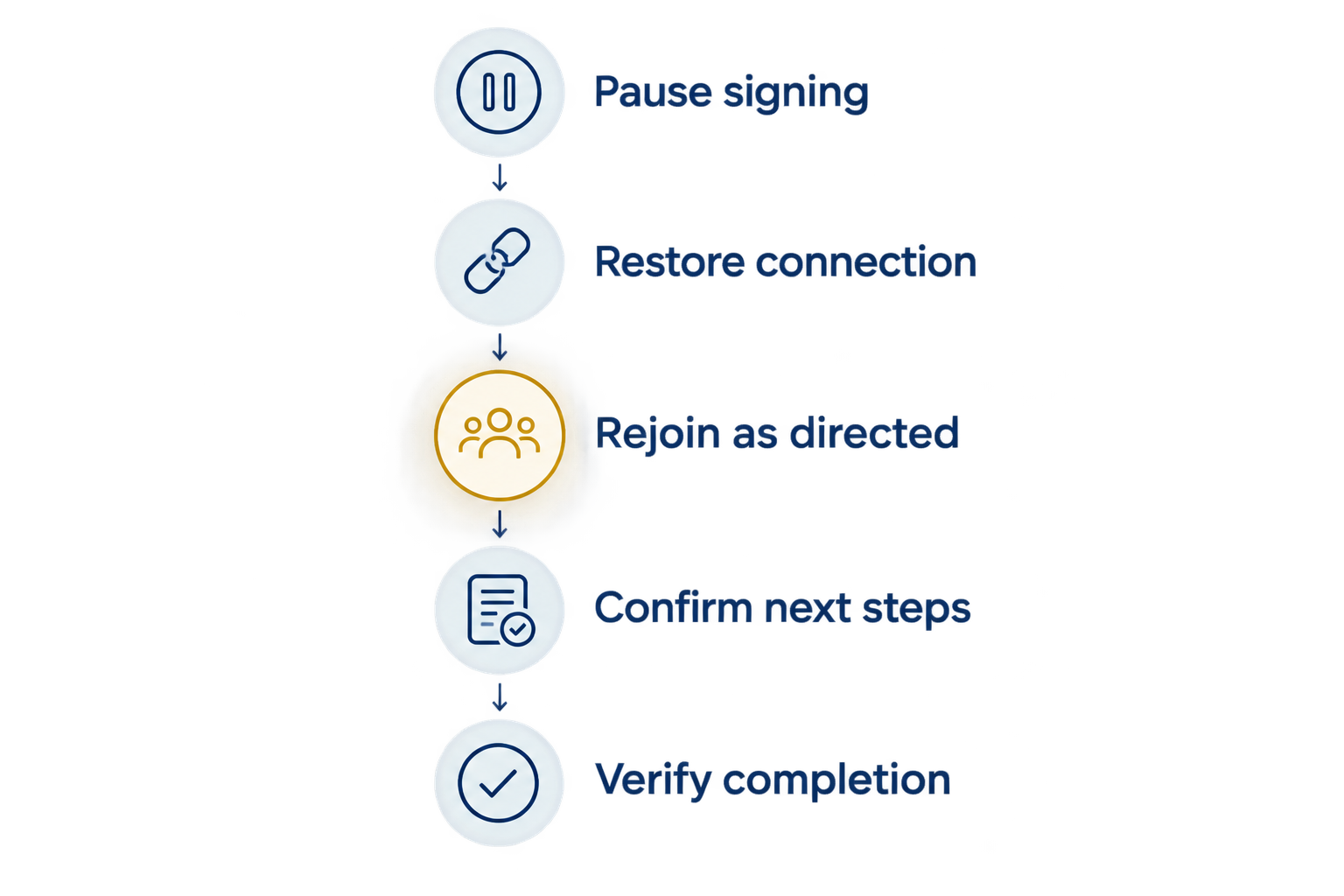
Use these 5 recovery steps rather than starting a separate transaction on your own:
- Pause signing. Stop interacting with signature fields when you lose the live connection. Note whether the interruption happened during identity verification, the conversation with the notary, or the final document review.
- Restore connection. Check your internet connection and device audio and video. If the connection remains unstable, tell the notary before attempting to continue.
- Rejoin as directed. Follow the appointment instructions and any directions provided by the notary or Proof. Avoid creating a duplicate appointment simply because the original session disappeared.
- Confirm next steps. Explain what you last saw or completed. Ask whether identity verification, an acknowledgment, an oath, or another part of the appointment needs to be repeated.
- Verify completion. Before submitting anything, ask whether the notarization finished and which completed document you should use. Do not treat an unfinished preview as the final record.
These steps organize your response; they do not establish a Proof reconnection policy or guarantee that the same session can resume.
The interruption stage determines what to check
The point where your connection failed matters more than how close you felt to finishing. Tell the notary what you actually completed, not just that the screen froze.
| Interruption stage | What you should report | What to confirm before proceeding |
|---|---|---|
| Before identity verification finishes | The last verification step you reached | Which verification steps remain necessary |
| During the live conversation | Whether audio, video, or both stopped | Whether the required interaction needs to be repeated |
| While signing | Which fields you interacted with | What the notary can confirm about the document’s status |
| After signing, before completion is confirmed | That you signed but did not receive confirmation | Whether the notarial act finished |
| After completion was confirmed | Whether you received the completed document | How to access the correct completed file |
A visible signature is not, by itself, confirmation of a completed notarization. Keep that distinction clear when updating a lender, employer, family member, or business recipient.
Why the next step varies after a disconnection
There is no single response that fits every interrupted appointment. The decision depends on the required procedure and the appointment’s actual status, not a universal waiting period.
- What was completed: An interruption before identity verification presents a different question from losing access after completion was confirmed.
- Whether live communication works: The notary needs the required audio-video interaction, not merely an open browser window.
- Whether identity requirements are satisfied: Ask the notary which verification steps remain necessary after reconnecting.
- What the document requires: Eligible documents still need the appropriate notarial procedure. Separate witness or recipient requirements also need attention.
- Whether the connection stays usable: Repeated interruptions must be addressed before you rely on another attempt to finish.
For your 2026 appointment, disclose recurring connection problems when you request service. Do not wait until the signing stage to mention that the device regularly loses video or internet access.
Will I have to repeat identity verification if I reconnect?
Ask the notary which identity-verification steps remain necessary; do not assume your earlier progress is sufficient. Describe where the interruption occurred and follow the directions for that appointment.
Keep the identification requested for your appointment accessible while reconnecting. Do not send identification images through an unfamiliar message or a newly received link simply because someone claims it will restore the session.
A familiar-looking page is not a substitute for following the original appointment instructions. If a message seems inconsistent with those instructions, clarify it through your established contact before providing sensitive information.
Is my document invalid if the connection drops after I sign?
A connection drop does not, by itself, establish whether your document was successfully notarized. Signing, completing the notarial act, and receiving the completed file are separate things to confirm.
Ask whether the notarization finished before the interruption. If completion was not confirmed, do not describe the document to its recipient as notarized or arrange another notarization without first clarifying the original transaction’s status.
If you need help understanding the distinction, read whether an electronic signature is the same as a notarized signature. For legal questions about a document’s effect, consult an attorney rather than relying on its appearance in a signing window.
Can I finish the notarization by telephone instead?
A telephone call does not replace the required audio-video interaction for Maryland remote online notarization. You can use a call to explain the technical problem or discuss appointment arrangements, but do not treat that conversation as completion of the remote notarial act.
The same caution applies to ordinary video calls. Do not move the signing to a different communication service on your own; follow the notary’s instructions for the authorized process.
If you cannot restore a usable connection, discuss a later remote appointment or an appropriate in-person alternative. Neither option is automatically arranged by the interruption.
Should you retry remotely or request a mobile appointment?
Remote online notarization is best for eligible documents when you can maintain the required live connection. An in-person mobile appointment is an alternative to discuss when a dependable remote setup is not practical.
| Option | Best for | Advantage | Limitation |
|---|---|---|---|
| Remote online notarization through Proof | Eligible documents and signers with a usable audio-video connection | Lets you participate remotely | Requires document eligibility, identity verification, and a working remote setup |
| In-person mobile appointment | Signers who need an in-person meeting | Removes dependence on the remote signing connection | Requires location coordination and confirmation of Baltimore County service availability |
Craigvetnotary is best for Maryland individuals and businesses seeking remote online notarization for eligible documents through Proof. Its mobile service is secondary, and Baltimore County availability must be confirmed before booking.
A service request is not a confirmed appointment. Craigvetnotary must contact you before you treat the appointment as confirmed, whether you are requesting remote or mobile service.
Discuss your appointment needs
Explain your document and connection concerns. Your appointment is not confirmed until Craigvetnotary contacts you.
Prepare your connection before the next appointment
For a 2026 remote appointment, prepare the device you will actually use—not a different computer that happens to work well. Check that its camera and microphone function and that you can follow the appointment instructions without switching repeatedly between devices.
Use these 2 readiness checks before joining:
- Technical readiness: Check your connection, camera, microphone, power supply, and browser permissions. Close unnecessary applications, and choose a location where you can hear the notary and speak privately.
- Document readiness: Have the requested identification and correct document accessible. Confirm any witness arrangements and recipient instructions before the appointment rather than trying to resolve them during signing.
These checks do not guarantee an uninterrupted session. Their purpose is to identify preventable problems before identity verification and the notarial interaction begin.
If you plan to use another connection as a backup, confirm that you can access it safely. Do not switch devices or connections mid-procedure without telling the notary what is happening.
What should a business do after an interrupted appointment?
For repeat notarizations in 2026, give staff a consistent way to report interruptions. A brief status update is more useful than an email saying only that the appointment failed.
Record the document involved, the signer, the last completed step, and whether the notary confirmed completion. Keep sensitive identification details out of general team messages.
Before your business resubmits a document or books another appointment, resolve these 3 status questions:
- Was the notarial act completed? Get a clear answer rather than inferring completion from a signature field.
- Which file should the recipient receive? Distinguish the completed document from the original upload or an unfinished copy.
- What action remains? Identify whether you need further appointment instructions, another meeting, or guidance from the document recipient.
Tell the notary about a submission deadline, but do not promise your customer that reconnection guarantees completion before that deadline. If a recipient requires a particular format or process, clarify that requirement before arranging another attempt.
FAQ
What should I do first if my internet drops during remote notarization?
Stop signing and restore your connection before following the notary’s instructions. Explain the last step you completed, then confirm what remains unfinished.
Does Proof automatically save everything if I disconnect?
Do not assume every action was saved or that the notarization finished. Follow the appointment instructions and ask the notary to clarify the transaction’s status before signing again.
Do I have to start the entire notarization over?
The notary must determine what needs to be repeated based on the interrupted appointment. Reconnecting does not automatically mean starting over, and it does not automatically mean you can continue where you stopped.
Can the notary finish while my camera is disconnected?
The notary cannot substitute a disconnected camera for the required audio-video interaction. Stop signing and restore the required connection before proceeding as directed.
What if the internet drops after I receive confirmation of completion?
Confirm that you can access the correct completed document before submitting it. If access is the only unresolved issue, describe that clearly rather than requesting a duplicate notarization.
Can I change to a mobile appointment in Baltimore County?
You can request an in-person mobile appointment, but Baltimore County service availability must be confirmed before booking. A remote interruption does not automatically create or confirm a mobile appointment.
Can Craig tell me whether my interrupted document is legally valid?
Craig is not an attorney and cannot provide legal advice. Ask about the appointment’s completion status, and consult an attorney for advice about the document’s legal effect.
One last thing
Before your 2026 appointment ends, confirm completion aloud instead of relying on what the screen appears to show. Ask whether the notarial act is complete and how to obtain the completed document.
That small distinction gives you a useful reference point if the connection disappears afterward. Your next question becomes specific: whether you need to finish the appointment or simply retrieve the completed file.


